
Watch Ukrainian Television on Android TV
SONY Bravia, Sharp Aquos, Akai, Ergo, Kiwi, Philips, Romsat, Skyworth, TCL, Phomson
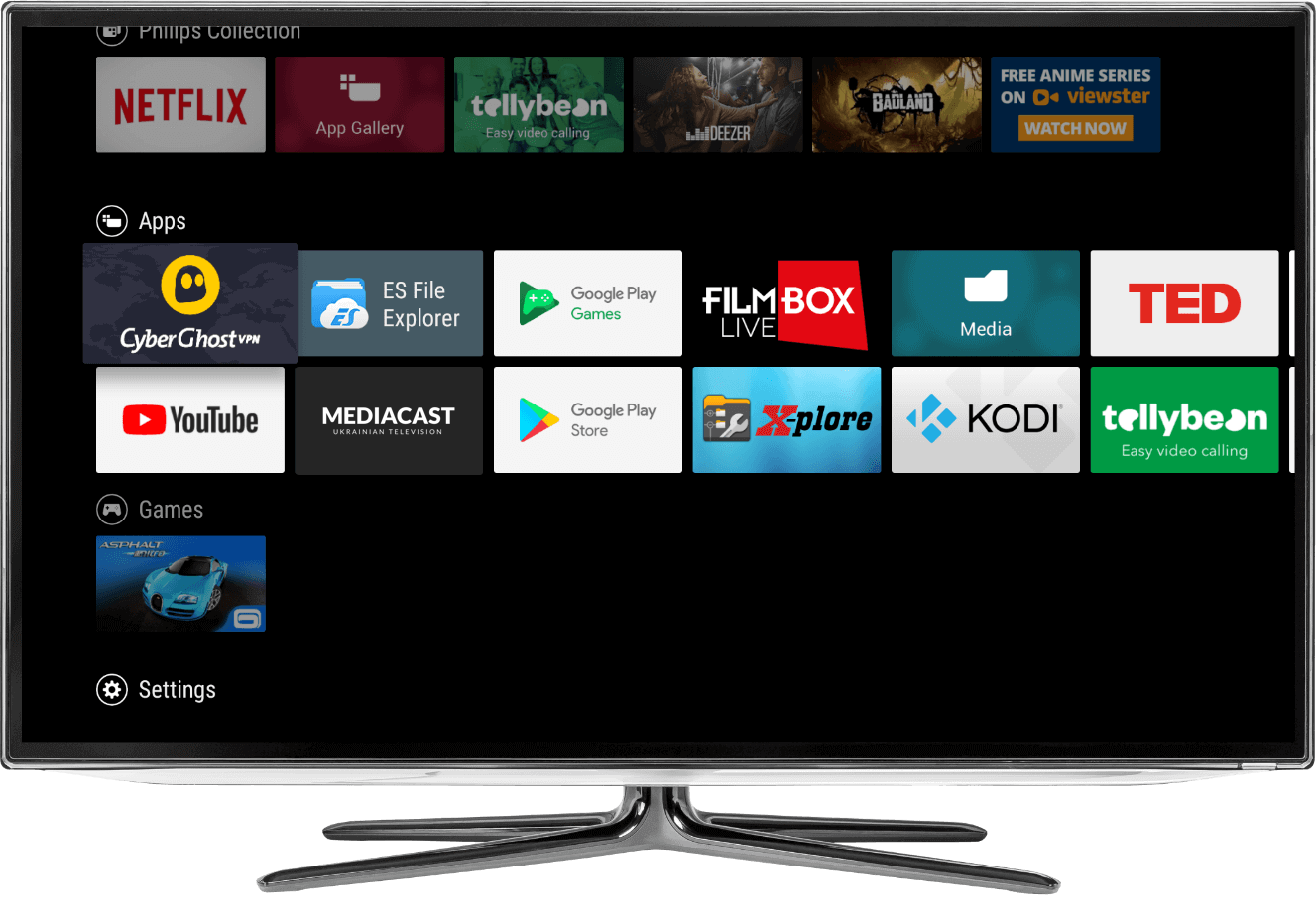
On Android TV, install MEDIACAST from Google Play on the TV itself, open Authorization, and enter the code on the website. No VPN is required. The catalog includes 111 Ukrainian TV channels. There is a 7-day free trial.
Last updated: 2026-09-06
How to install MEDIACAST
- Open Google Play on Android TV or the official link below.
- Find MEDIACAST and install it.
- Open the app on the TV.
- Go to Authorization — a 6-digit code appears.
- Enter the code on the MEDIACAST connect page.
How Android TV differs from the phone app
The TV is activated with a 6-digit code on the connect page. Signing in on an Android phone does not replace that step.
The Google Play listing is the same, but you must install from Play Store on the TV or box — do not sideload an APK from the phone.
How to sign in
After download, open MEDIACAST on Android TV, go to Authorization, and enter the code on the connect page.
What content is available
TV channels and subscription content: 111 Ukrainian TV channels, many movies that are updated regularly, 31 radio stations.
If the app does not appear
Make sure the TV is using Google Play, not a manufacturer store without this listing. Search for official MEDIACAST and use the Google Play link below.
Popular Ukrainian channels available on MEDIACAST


Questions
Do I need a VPN on Android TV?
No.
Is signing in on the phone enough?
No. Android TV needs its own activation code.
Supported Devices
Platforms we support
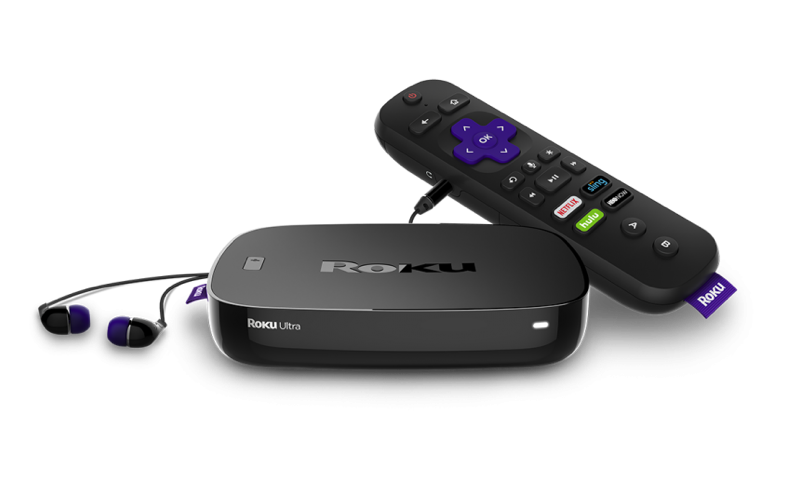
Roku / Roku TV
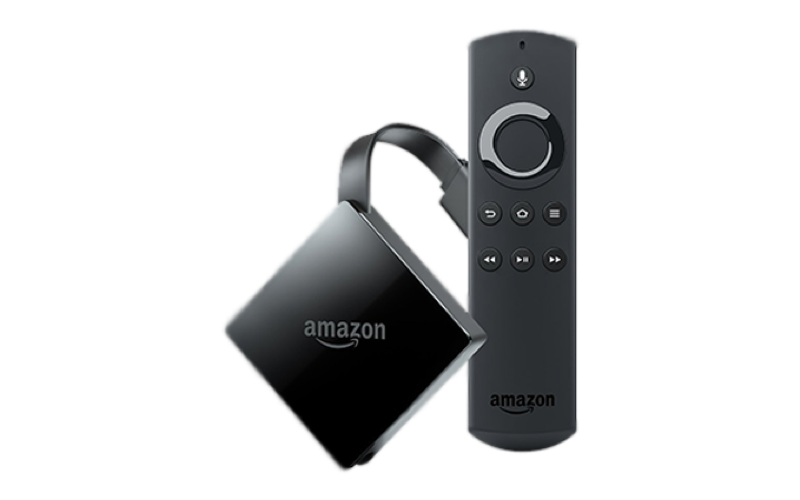
Amazon Fire Stick
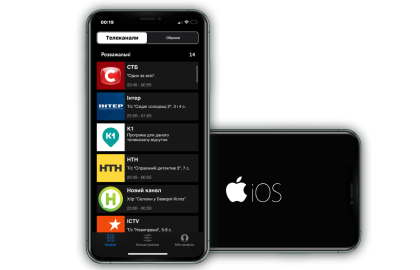
Apple iOS (iPhone & iPad)
Android TV
Android Mobile Devices
Apple TV
Get up to 50% Off with a Prepayment
Unique promotional offer on new plans for all new MEDIACAST customers
Try a free 7-day trial